

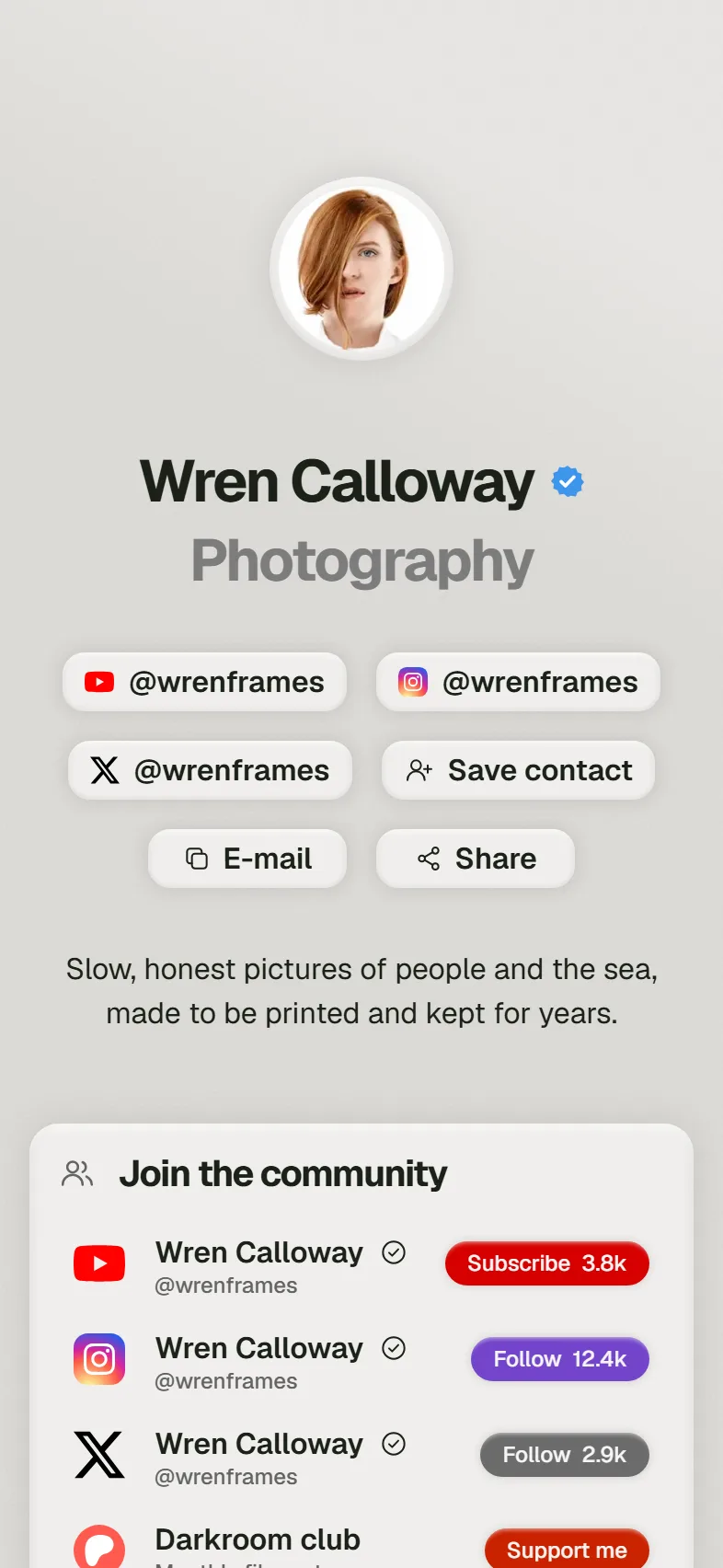
Never let a lead lose your number. One tap puts every number, email, link and social straight into Apple Contacts or Google Contacts.
Good to know: No app on their side.
Your Wink profile opens in any phone browser, with no app to install.
It lives at wink-app.me/you, and it is free before you buy anything.
Never let a lead lose your number. One tap puts every number, email, link and social straight into Apple Contacts or Google Contacts.
Good to know: No app on their side.
Run a boutique, clinic, café or agency? Add item photos, descriptions and prices directly to your profile.
Good to know: Prices shown in IQD.
Organise your world cleanly. Keep your bio, your business offer and your portfolio in their own tabs.
Good to know: Up to 3 tabs.

Link WhatsApp, Instagram, LinkedIn, TikTok, your location on the map, email and your website.
Good to know: 22 platforms supported.
Everyone who saves your card lands in your Contacts, with their name and number if they add them. Visible only to you.
Good to know: Export them any time.
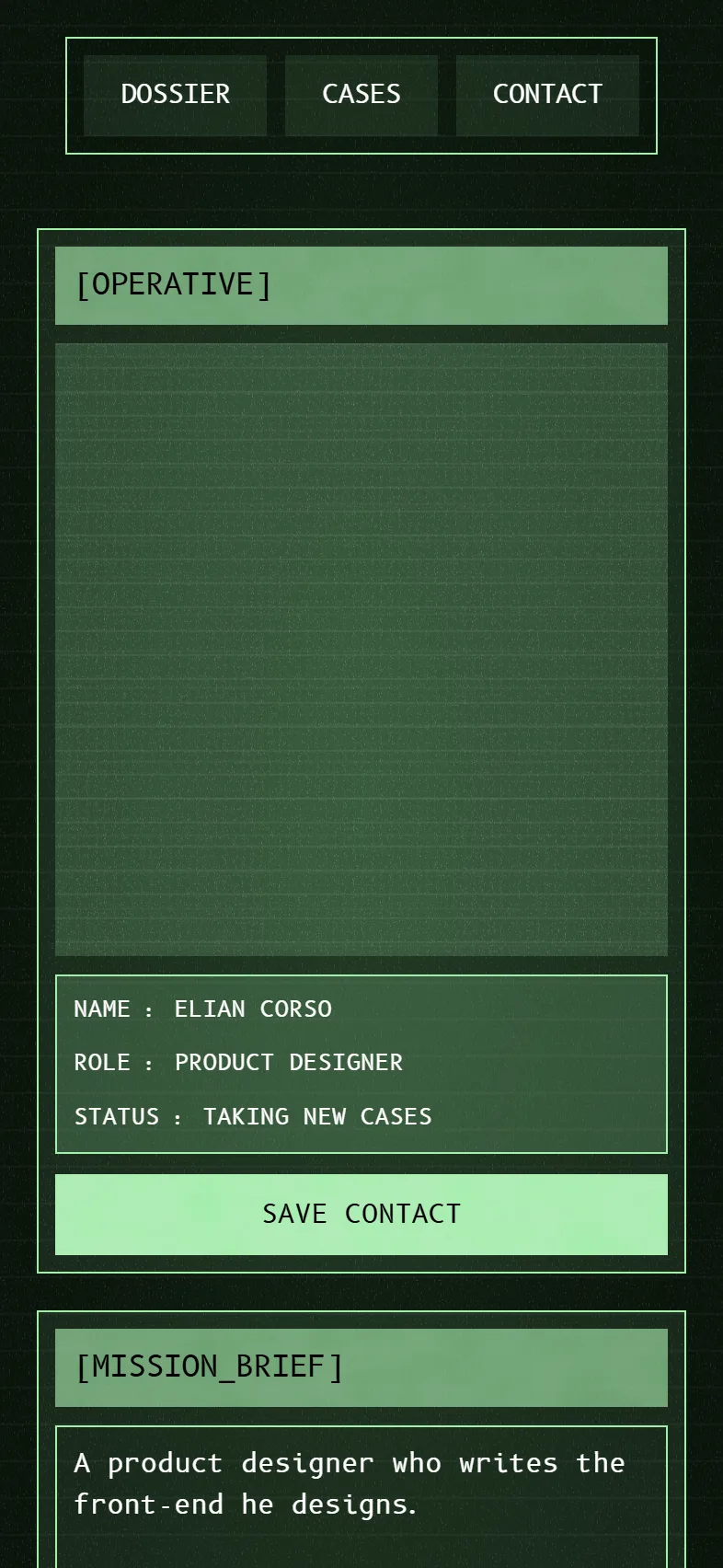
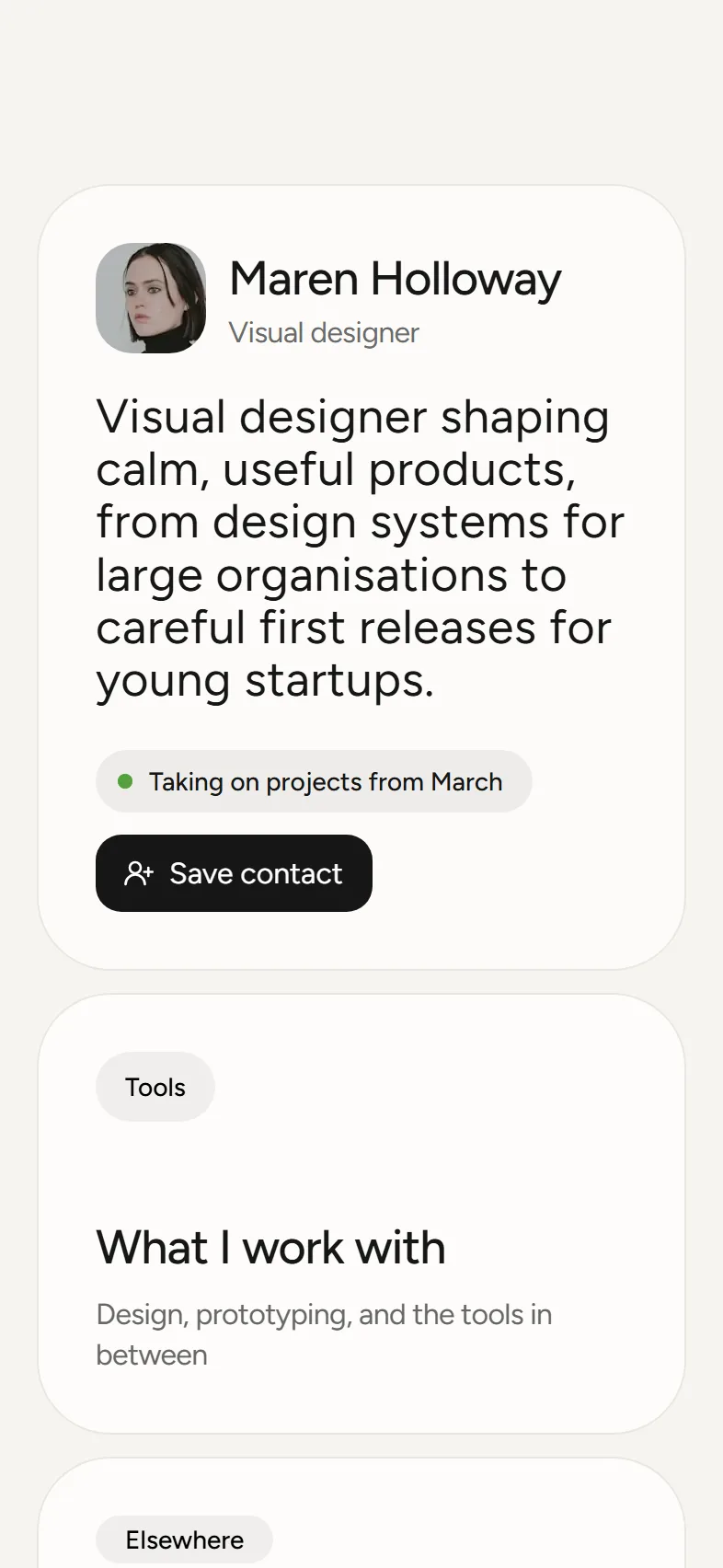
Choose a custom profile template to create your personalised digital profile, optimised for both mobile and desktop.

Start from one of ten themes, then set any colour, the button style and the font. Every plan, Free forever included, and the preview shows each change as you make it.
Claim your username, pick a layout and add your links, location or products.
Hold your card to any modern phone, or let them scan the QR on the back.
One tap on Save contact puts all your details in their phone.
Branded cards, accounts opened for everyone, and each person keeps their own profile up to date.
For teamsYes. Sign up with Google or an email code, claim a username, and your profile is live at wink-app.me/you before you buy anything. A card is optional.
Tabs, links, a social icon row, phone numbers, WhatsApp, email, text, photos that can open a link, video, a file, a map location, a form and a Save contact button. Businesses can add products with photos and prices, and an About card.
No. Your profile opens in the phone browser they already have, whether they tap your card, scan the QR code or open your link.
Yes, any time. The card points at your profile, not at a copy of it. Edit a number, a link or a whole tab in your dashboard and the card shows the change on the next tap.
Shine and Star are the plans with a custom profile. You choose one of eleven designs and our team builds your profile on it. On every plan you can also set your own colours, font and button style from the design page.
Yes, on every plan, Free included. Pick any colour for the page, the blocks and the text, choose Solid, Glass or Outline buttons, show your socials as a row of icons and set the page in one of our fonts. The preview shows each change as you make it.
Yes. Add a form block and choose the questions. Visitors answer in their browser with no app, and every answer is kept in your dashboard, emailed to you and ready to export.
When someone saves your card, it lands in your Contacts, and they can add their name and number as they do. Only you see the list, and you can export it any time.
Claim your username today. It is free, and it goes live before you order anything.